GO Focus Plus Harnesses and Related Accessories

ORDER NOW

Provided byGeotab Inc.

(0 reviews)

Login to leave a review

(0 reviews)

Login to leave a review

Overview
  • image of GO Focus Plus Harnesses and Related Accessories
  • image of GO Focus Plus Harnesses and Related Accessories

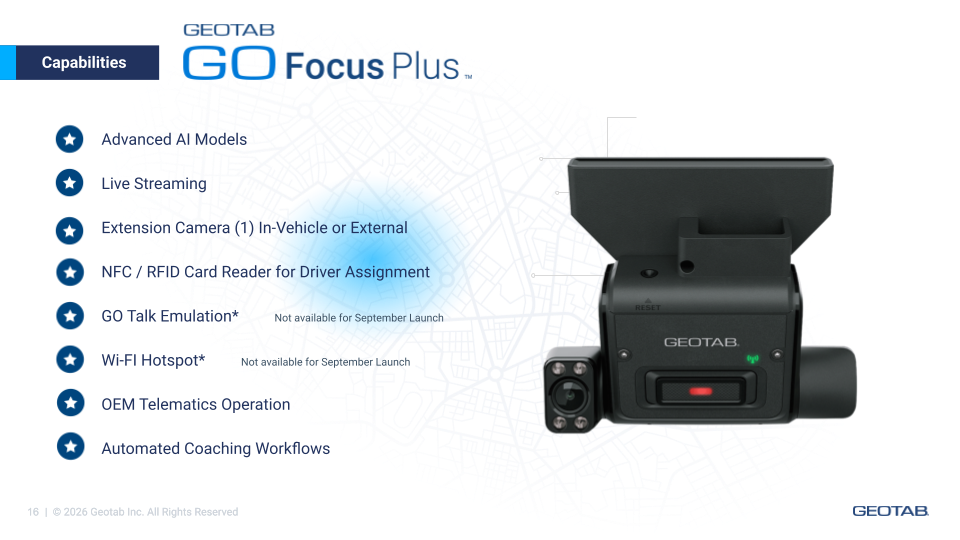
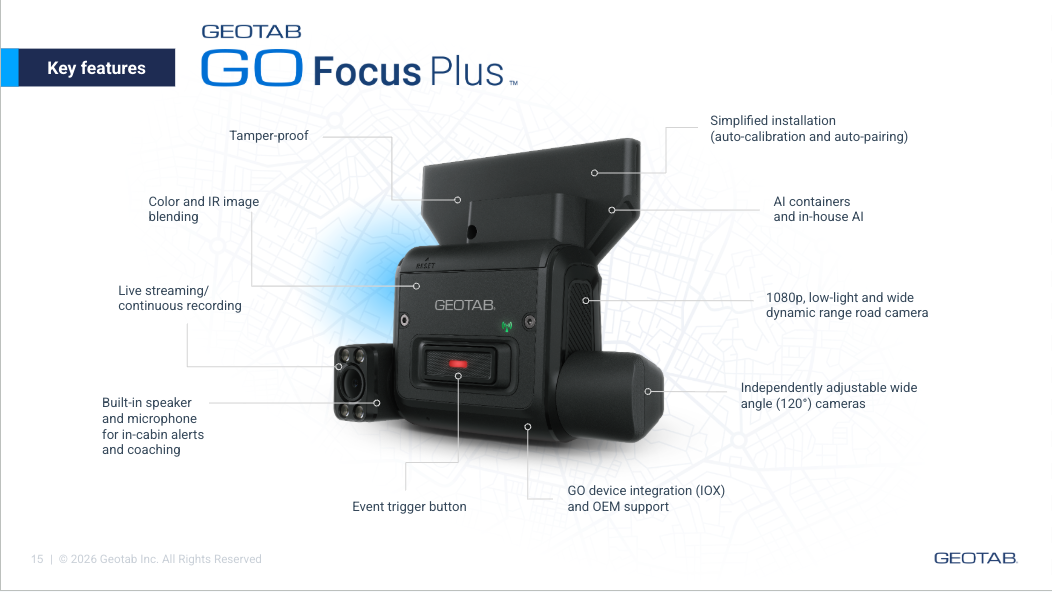
The GO Focus Plus Harnesses and Related Accessories are the official connectivity solution for the GO Focus Plus AI dashcam. Whether your fleet relies on hardwired fuse-box power, OBD-II plug-and-play, direct integration with a Geotab GO device, or advanced I/O control, there is a harness designed for the job.

Each cable is engineered specifically for the GO Focus Plus, ensuring a secure, interference-free connection that supports the full range of the dashcam's telematics and AI capabilities. Choose the right harness for your vehicle type, installation environment, and operational needs — and get your fleet cameras up and running quickly and reliably.

Available in the United States and Canada. Sold as a paid solution through the Geotab Marketplace.

1. 3-Wire Power Cable

SKU: HRN-IOXGFP-3W

Connects the GO Focus Plus directly to the vehicle's fuse box for hardwired power delivery. Ideal for permanent, discreet installations where a dedicated power source is preferred over an OBD connection. Recommended for vehicles where the OBD-II port is needed for other telematics functions.

2. OBD Power Cable

SKU: HRN-IOXGFP-OBD

Connects to the vehicle's OBD-II port for fast, plug-and-play power. Compatible with the optional Auxiliary Panic Button (HRN-IOXGFOBD-PBTN), which can be connected to the OBD plug for discreet installation — for example, under the steering column. Suitable for fleets seeking a straightforward installation that does not require access to the fuse panel.

3. Smart Cable

SKU: HRN-IOXGFP-G

Provides a direct connection between the GO Focus Plus and a Geotab GO9 or GO RUGGED device. Total cable length: 3 meters / 10 feet — suitable for most cars and vans. This cable enables integrated telematics data sharing between the dashcam and the GO device for a unified fleet data experience.

4. I/O Cable (Smart Cable I/O Bundle)

SKU: HRN-IOXGFP-IOCBL

A 3-cable bundle for advanced I/O connectivity. Bundle includes:

- Y Cable: 1.5 m / 4.9 ft

- OBD Cable: 1.5 m / 4.9 ft

- Signal Cable: 1.0 m / 3.3 ft

Note: This cable requires approval. Contact your Geotab representative directly to purchase.

ACCESSORY

Auxiliary Panic Button

SKU: HRN-IOXGFOBD-PBTN

An optional add-on for use with the OBD Power Cable. Enables discreet driver-activated panic button functionality, installable under the steering column or in another accessible, low-profile location within the cab.


Features And Benefits

Flexible installation options for any fleet environment

Choose from fuse-box hardwiring, OBD plug-and-play, or direct GO device integration — so every vehicle type and installation constraint is covered.

Designed specifically for the GO Focus Plus

These are not generic cables. Each harness is purpose-engineered to support the full AI and telematics capability of the GO Focus Plus, minimizing setup time and reducing the risk of compatibility issues.

Clean, professional installs that last

Hardwire options and discreet panic button placement support installer-quality results that hold up under daily fleet use — reducing maintenance callbacks and cable failures in the field.

Seamless integration with the Geotab ecosystem

The Smart Cable connects the GO Focus Plus directly to the GO9 or GO RUGGED device, enabling telematics and video data to flow through a single platform — no manual data merging required.

Supports safety and compliance goals

Reliable power and connectivity are the foundation of effective video telematics. With the right harness in place, fleets can trust that the GO Focus Plus is always powered, always recording, and always sending data.


Company Website

https://www.geotab.com/

Regions

Canada

United States

Supported Languages

English

GO Focus Plus Harnesses and Related Accessories

Provided byGeotab Inc.

(0 reviews)

Login to leave a review

(0 reviews)

Login to leave a review

Paid solution